

Details & care
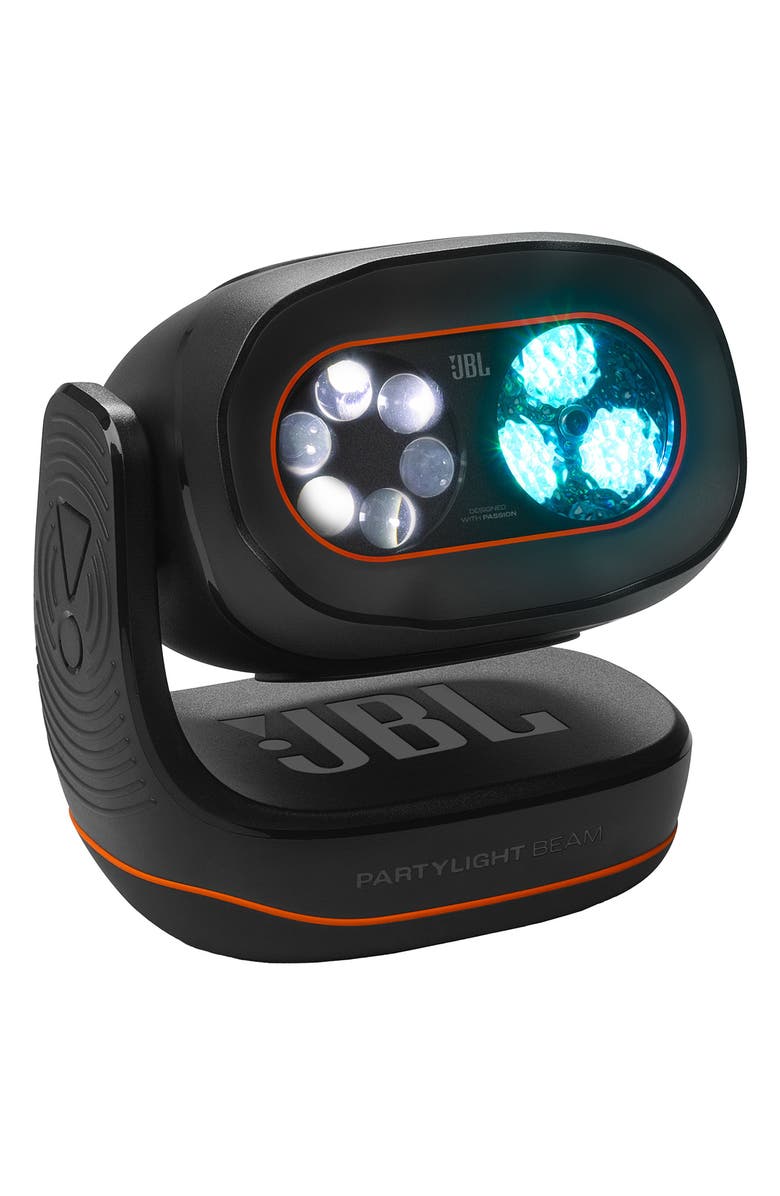
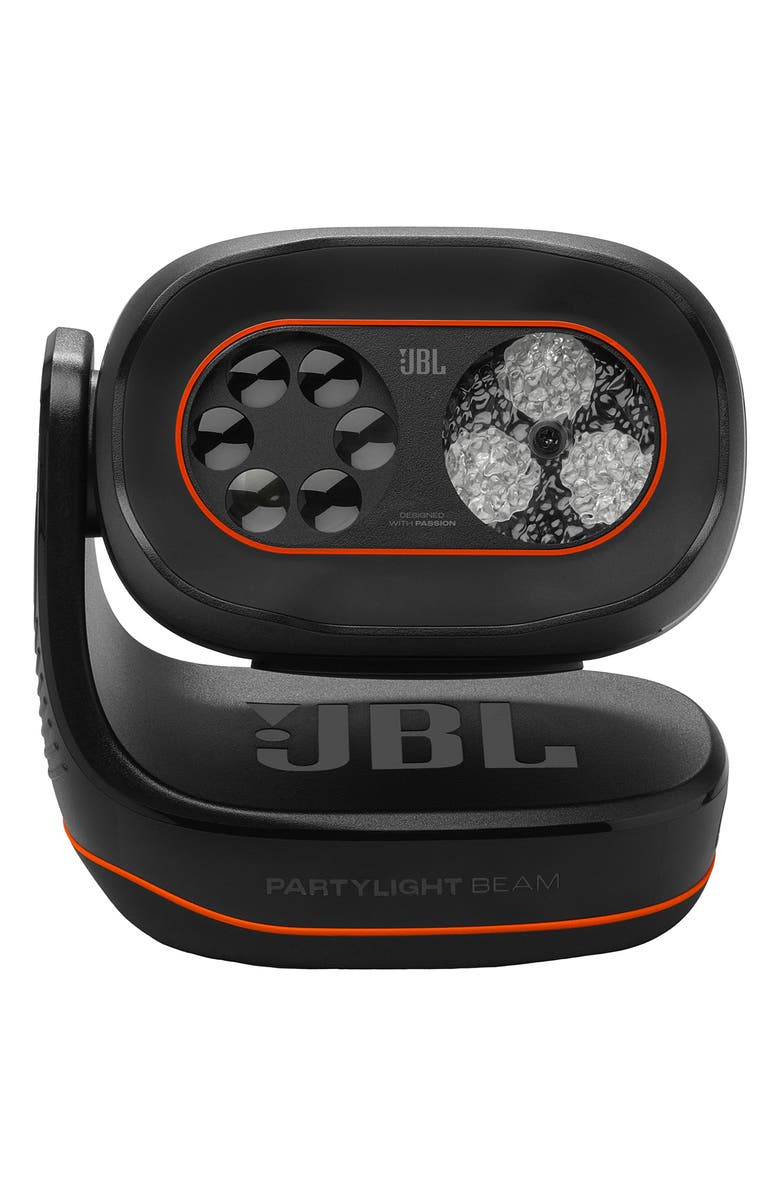
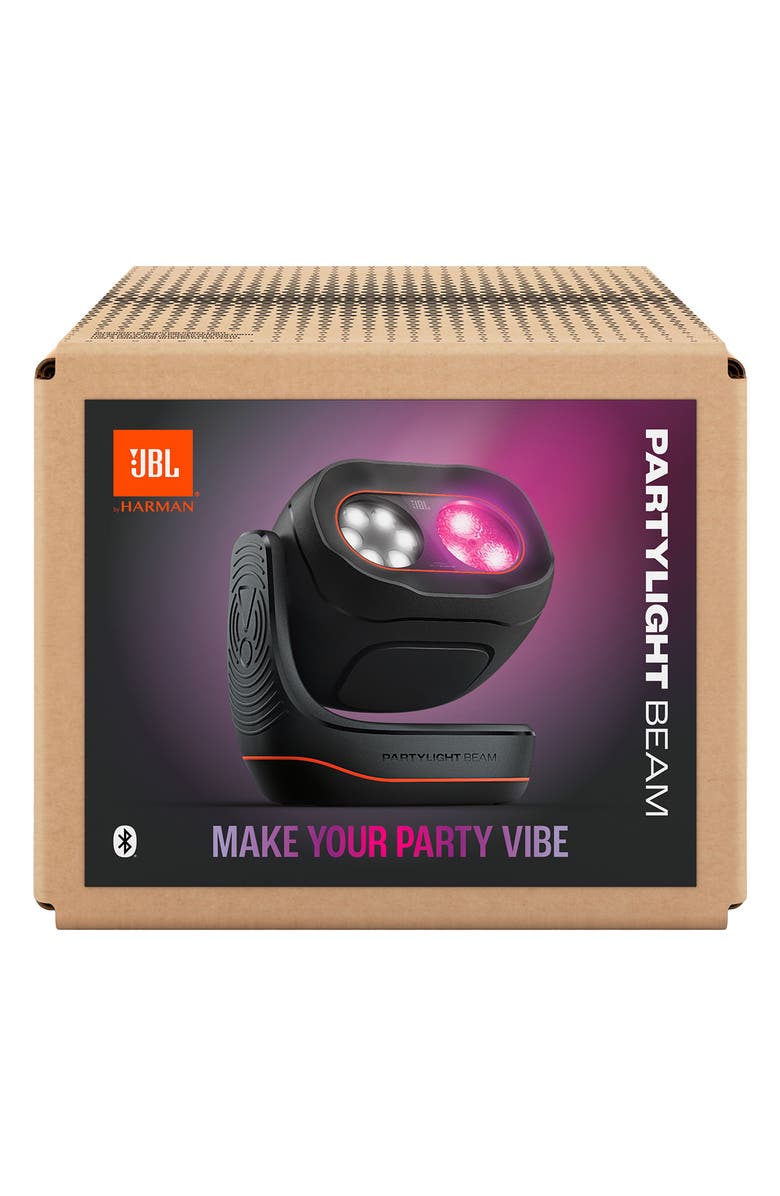
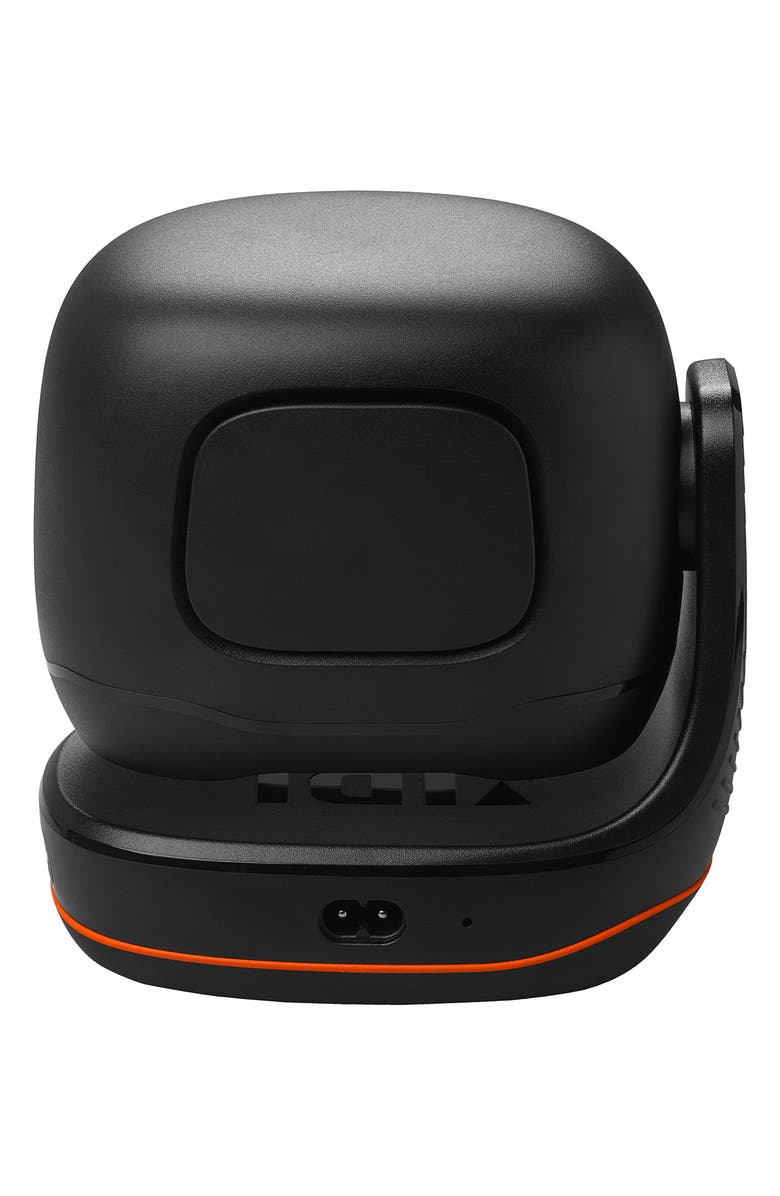
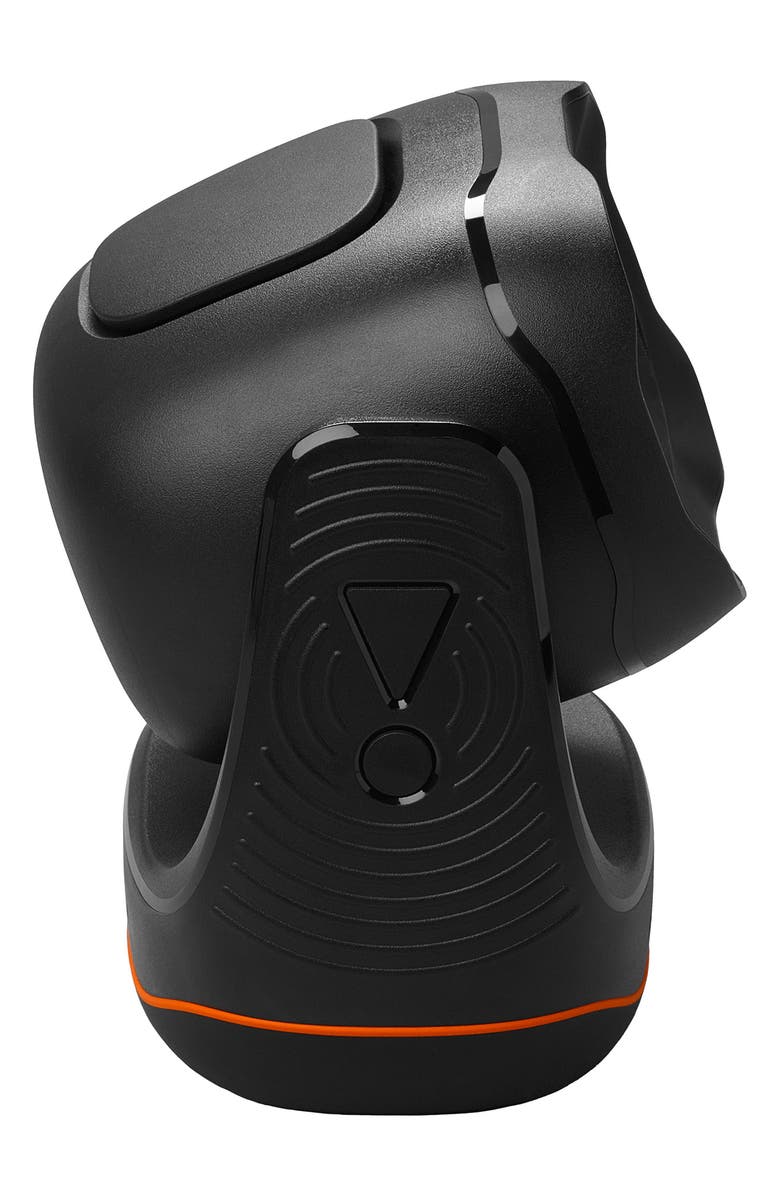
Bring high energy to your next party when you stock up on this light projector that flash vibrant lights and sync up with your other JBL devices to really set the mood. Through the JBL app, you can adjust the motion, speed and intensity of the light.
- Includes projector and power cord
- 5.98" x 6.14" x 3.78"
- Can fill a room up to 400 square feet
- Plastic/metal
- Imported
- Item #10615504
Shipping & returns
This item qualifies for free shipping on orders over $89. View Shipping & Returns Policy.
This item is returnable within 40 days by mail or to U.S. Nordstrom Rack and U.S. Nordstrom stores. All beauty items are only eligible for return in U.S. Nordstrom Rack or U.S. Nordstrom stores.
Gift options
Write a gift message at Checkout and we'll email it to the recipient when their item is delivered
Need help finding the perfect gift? We've got you covered.
Most helpful positive review
May 2, 2026
Great sounds for outdoor parties.
I am thinking about buying one and was looking at the comments. Will probable buy one.
Dave411
Reposted from jbl.com
Most helpful critical review
Oct 17, 2025
iPhone 17 connection issue
Won't connect to my iPhone 17 Pro Max (iOS 26). Apps (JBL One and JBL PartyBox) detect the light, but connection fails.
My JBL Partybox Encore 2 speaker has no such issues.
wakkere wekker
Reposted from jbl.com
jbl.com response
Thanks for bringing this to our attention. Please follow these steps in order:
Clear the app's cache.
Uninstall the app from your device.
Forget or unpair the Party Light Beam from your Bluetooth settings.
Restart your device twice. (This is crucial to ensure that all app and Bluetooth remnants are removed.)
Reset the Party Light Beam.
Pair the unit with your device.
Download and install the app again.
Open the app and grant all necessary permissions (the app requires these to function properly).
When the app opens, it should detect your unit and work correctly.
If you need further assistance, please contact our customer support team at: https://support.jbl.com/us/en/#contact.
Customer photos
Add your photo & review
Share your photo to help other shoppers.
5 stars
56%
4 stars
36%
3 stars
0%
2 stars
4%
1 star
4%
Sort by Most Helpful
Color
Dave411
Reposted from jbl.com
May 2, 2026
Great sounds for outdoor parties.
I am thinking about buying one and was looking at the comments. Will probable buy one.
Walthsco
Reposted from jbl.com
Jan 21, 2026
They are OK
I purchased two of these about two weeks ago. I’m not unhappy, however, I’m not super excited either about their performance. I wish I would’ve read up on the specifications more because they don’t do as much as I thought they would for the price. It is neat how they can sync up lights with the Ultimate JBL speaker.
jbl.com response
We appreciate you taking the time to provide us with your feedback. We're sorry to hear that our JBL Partylight Beam didn't meet your expectations. We'll make sure to share your feedback with the appropriate team. If you need more help with your unit, please contact our customer support for further assistance. https://support.jbl.com/us/en/#contact
Drassenma
Reposted from jbl.com
Jan 20, 2026
Glad I bought this
I really enjoy it. It adds to my JBL speakers. Make music fun.
JBLFAN67
Reposted from jbl.com
Nov 14, 2025
JBL IS LIFE JBL IS LOVE
i love JBL 67 67 67 67 67 67 67 67 67 67 67 67 67 67 67 :)
wakkere wekker
Reposted from jbl.com
Oct 17, 2025
iPhone 17 connection issue
Won't connect to my iPhone 17 Pro Max (iOS 26). Apps (JBL One and JBL PartyBox) detect the light, but connection fails.
My JBL Partybox Encore 2 speaker has no such issues.
jbl.com response
Thanks for bringing this to our attention. Please follow these steps in order:
Clear the app's cache.
Uninstall the app from your device.
Forget or unpair the Party Light Beam from your Bluetooth settings.
Restart your device twice. (This is crucial to ensure that all app and Bluetooth remnants are removed.)
Reset the Party Light Beam.
Pair the unit with your device.
Download and install the app again.
Open the app and grant all necessary permissions (the app requires these to function properly).
When the app opens, it should detect your unit and work correctly.
If you need further assistance, please contact our customer support team at: https://support.jbl.com/us/en/#contact.
Zherkov82
Reposted from jbl.com
Oct 5, 2025
Portable party
I had a wedding to DJ for and this in conjuction with the partylight sticks work awesome. I was curious if they would be bright enough and to my surprise, they were. Very professional looking and easy to setup. It makes it extremely easy to throw a party anywhere at the drop of a hat. Do keep in mind though that the party light beam is NOT battery powered like the light sticks.
New Arrivals










See More