SOLD OUT
This item is no longer available. Browse our recommendations for something similar.




Details & care
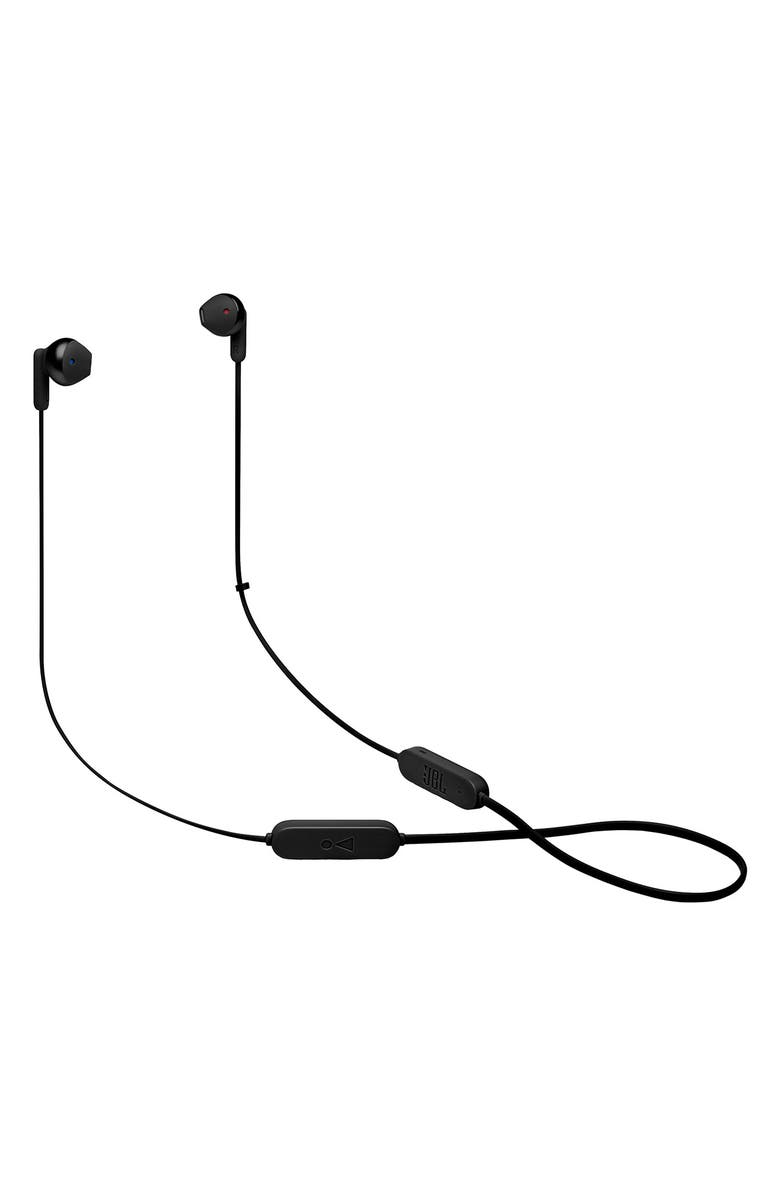
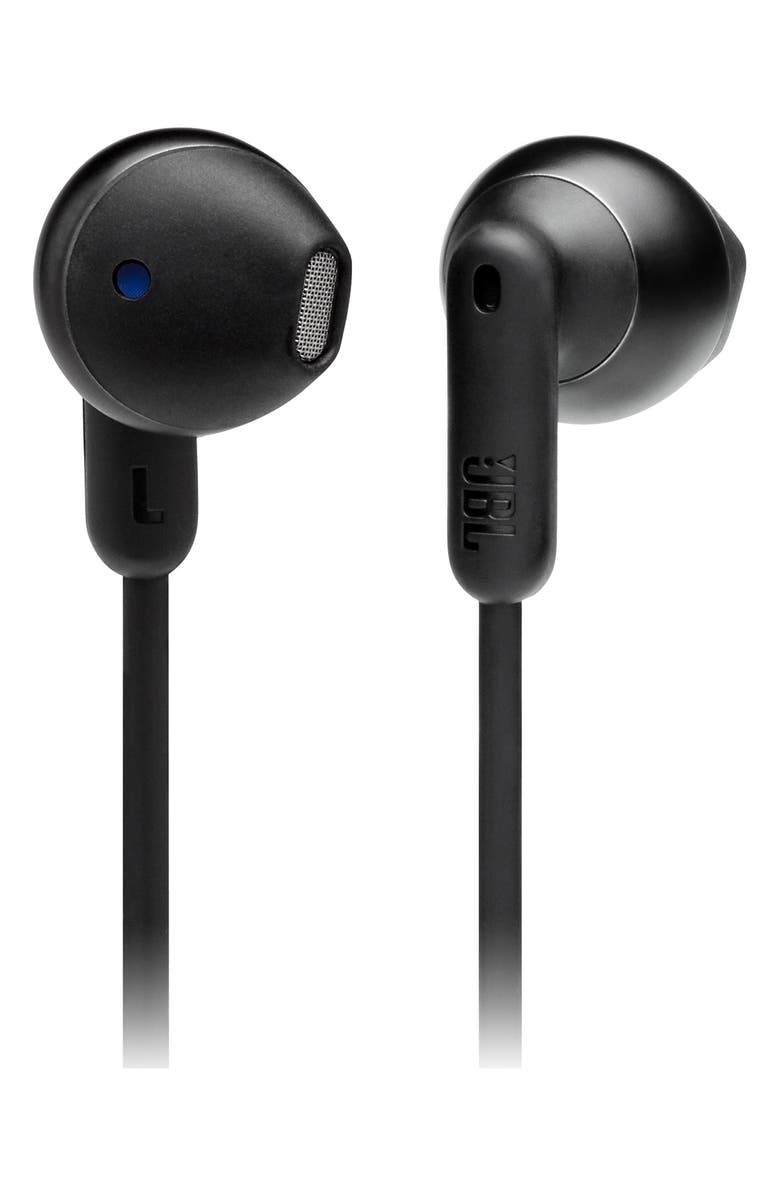
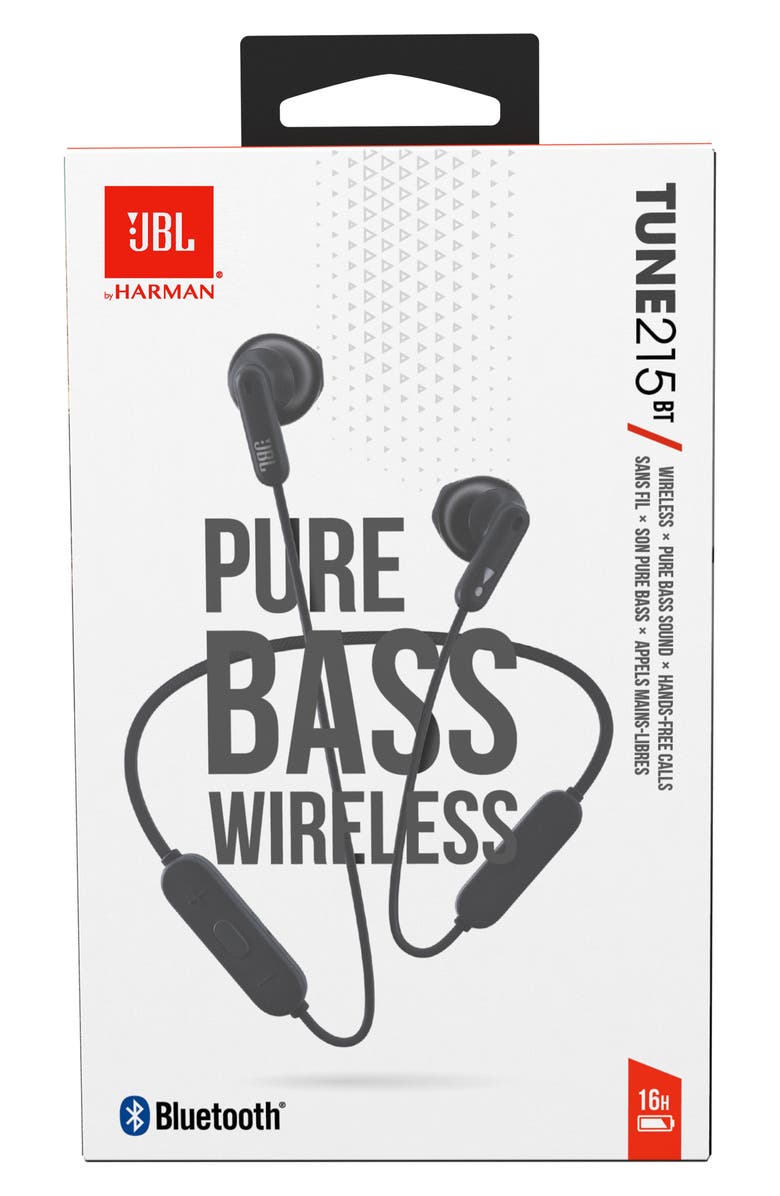
Inside the premium housing are 12.5mm drivers that punch out some serious bass, while the soft ergonomic earbuds ensure the listening experience is top-tier.
- 16-hour battery life
- Bluetooth 5.0 connectivity
- Multi-point connection allows users to seamlessly switch between devices
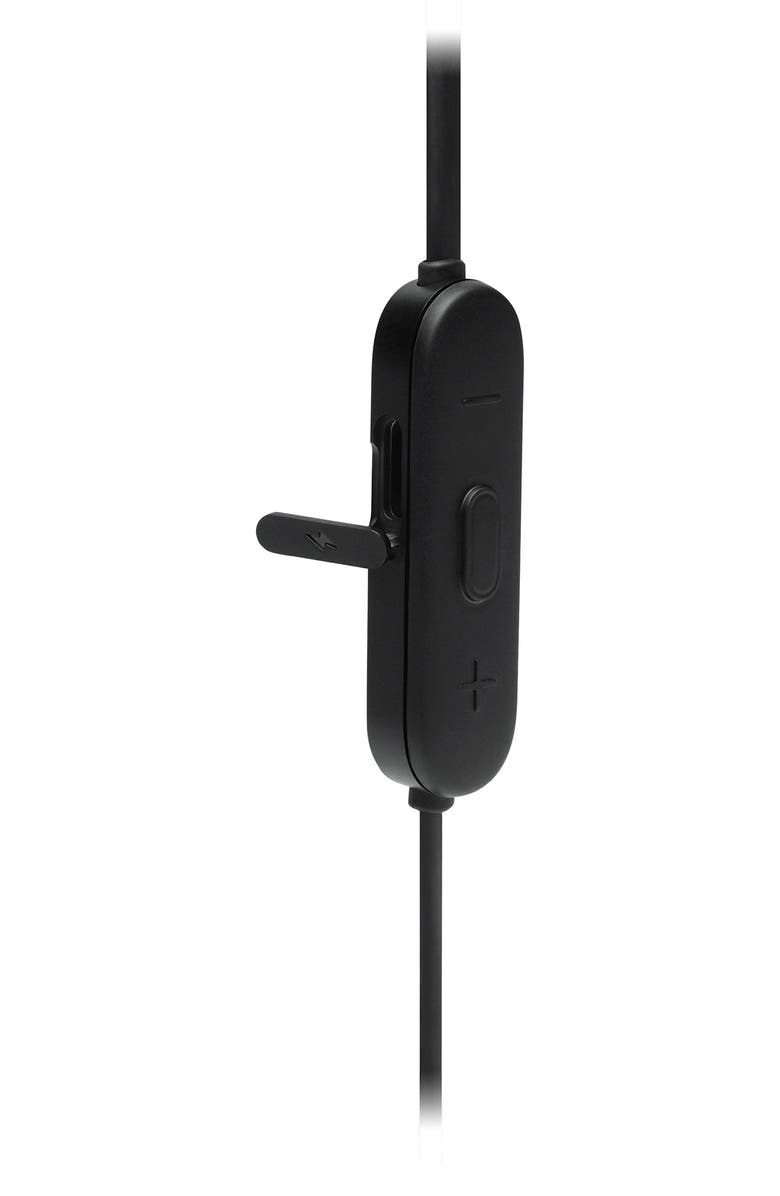
- Three-button remote with microphone and voice assistant support
- Lithium ion battery
- Plastic/metal/rubber
- Imported
- Item #10188007
Gift options
Write a gift message at Checkout and we'll email it to the recipient when their item is delivered
Need help finding the perfect gift? We've got you covered.
Most helpful positive review
Jan 13, 2023
Great with realistic expectations!!
I was worried that these headphones would end up in the junk drawer based off of previous reviews and the lack of unbiased YouTube reviews. But I’m glad that I purchased these!! Overall would buy again.
Battery life is accurate at about 15-16 hours on a single charge at 50% volume.
Speaking of volume, when fitted properly, the volume is typical for other JBL products, with 50% being comfortable, and 75% volume being nearly uncomfortable.
Fitment seems to be an issue for some. These fit similar to Apple EarPods with the main difference being the rubberized coating versus the high gloss of EarPods. These make an excellent Bluetooth replacement for Apple’s corded counterparts at roughly the same price.
Bluetooth 5.0 will initially result in the expected video latency. But that seemed to have mostly resolved itself after adjusting my device settings.
Sound quality is excellent for what these are: a direct Bluetooth replacement for standard wired earbuds. The sound signature is balanced, which may explain the negative reviews. Buyers in this segment are typically looking for a V shaped sound signature. Once I adjusted the EQ on my device, and properly fit them, all of my fears went away.
Occlusion. If you’re not a fan of occlusion, then these open design headphones should work just fine! They worked well on a run, and I didn’t experience the stethoscope sounds I normally get with TWS headphones.
My only nit pick is with the cable… not about the length, but with the use of flat cables between the earbud and battery pack. The flat cables cause the earbuds to flex in the wrong direction, sometimes resulting in the earbuds moving in or out of the ear. I would like to see round cables closer to the ear.
I think these headphones would also benefit from a cable clip to keep the battery pack from sliding to one side.
Waterproofing would be a nice addition as well.
In all, I’m happy with my purchase, and believe there’s a place for headphones like these for those that have longer workouts, or need to be able to hear their surroundings without a transparent mode.
They’re simple to use, and easy to replace if lost or broken.
If a more outdoor oriented model existed, I would happily buy or review.
RRivera
Reposted from jbl.com
Most helpful critical review
Oct 22, 2024
I do not recommend it
Not worth buying!!
Bass is not good enough as mentioned, you must press them to your ears in order to have a decent bass.
You have to guess when it connects! Only upward sound is heard.
Unlike other brands, charging gives a white light instead of red.
Battery lasts ok though.
LCarlos
Reposted from jbl.com
jbl.com response
Thank you for your feedback. We're here to help with your JBL Tune 215BT. If you're using an EQ (Equalizer), please try turning it off. If not, enable it and boost the bass a little bit. To check if its not an issue with the device, please try connecting it to other source device. Also, you will see a solid blue light on the side of the volume up button once it is connected. If you need more help, please contact us.
Customer photos
Add your photo & review
Share your photo to help other shoppers.
5 stars
28%
4 stars
30%
3 stars
15%
2 stars
11%
1 star
17%
Sort by Most Helpful
VMak
Reposted from jbl.com
Oct 25, 2024
Very disappointed !!!
I bought this TUNE 215BT to replace the TUNE 110BT that stopped working on one side, but the sound quality is much lower.
Bass has little presence, and isolation from external sounds is practically non-existent.
So I decided to try the TUNE 125BT, and I was quite satisfied.
The sound quality of the TUNE 125BT is equivalent to the TUNE 110BT, with very present bass and good overall sound quality.
The price of the TUNE 215BT is too high for the quality.
jbl.com response
Thanks for sharing your feedback on our JBL Tune 215BT. We value your input, and we'll make sure to forward your feedback to the appropriate team.
LCarlos
Reposted from jbl.com
Oct 22, 2024
I do not recommend it
Not worth buying!!
Bass is not good enough as mentioned, you must press them to your ears in order to have a decent bass.
You have to guess when it connects! Only upward sound is heard.
Unlike other brands, charging gives a white light instead of red.
Battery lasts ok though.
jbl.com response
Thank you for your feedback. We're here to help with your JBL Tune 215BT. If you're using an EQ (Equalizer), please try turning it off. If not, enable it and boost the bass a little bit. To check if its not an issue with the device, please try connecting it to other source device. Also, you will see a solid blue light on the side of the volume up button once it is connected. If you need more help, please contact us.
Bass12345
Reposted from jbl.com
Aug 20, 2024
JBL Tune 215BT
Overall not a bad set. Only had for a few weeks so cannot attest to longevity but audio and functionality are as follows:
Fit: they do not come with different size inserts, so how it fits within the ear will may vary.
Sound: sound is OK. But depending on how well it fits within the ear, volume may be compromised. On me, they do not get loud unless I am actively pushing them into the ears
Bass: Could be due to fit, but was not impressed. My Bose sport earbuds have way more Bass.
Wearability: hangs ok over the back of the neck as long as your walking or staying upright.
Battery life: it is great, has lasted 8hrs plus on a single charge at almost full volume (due to not fitting well)
My preference is for a set with strong Bass, this didn't meet my expectations and would not buy again if that is what you are looking for. Perhaps smaller ears will have better results.
nathatt
Reposted from jbl.com
July 16, 2024
Turn off on their own
Bought a month ago and disappointed to find out that they turn off on their own after a few minutes of no audio. I pause my audio to work on something or have a conversation and when I restart it the audio blares from my phone.
Cannot use for my intended purpose, JBL will not allow an exchange for another item that would better fit my needs.
jbl.com response
Thanks for your feedback. We noticed that you have a an ongoing case here. Kindly wait our customer support to respond via email to help you further with this our customer support team will send you an email within 24-48 hours. Thank you!
Dale6270
Reposted from jbl.com
July 4, 2024
Disappointed, they keep falling from my ear. Sound is good but would not recommend these.
jbl.com response
We appreciate you taking the time to provide us with your feedback. We're sorry to hear that our JBL Tune 215BT didn't meet your expectations. We're always looking for ways to improve, and we'll make sure to share your feedback with the appropriate team. If you need more help with your unit, please contact our customer support via our official website or toll-free hotline.
Chegdog
Reposted from jbl.com
June 22, 2024
I give up! 3 pair, and all came apart...
I have bought 2 pairs of these in the past 2 years, - on was replaced defective after short time using - so 3 pairs total. Sound is OK but the quality is awful. on all of them the covers come off the earpiece with occasional use. My latest pair is now only has about 60% sound volume in left ear. I cannot wear in-ear earbuds and there are few alternatives (I use these as backup to my expensive AP's)
jbl.com response
Thanks for your feedback. We're here to help with your JBL Tune 215BT. You can adjust the balance control on your source device by accessing the "Accessibility" settings. Additionally, check the balance settings within your music player app, typically located in the playback or EQ settings. You can also try connecting the headphones to a different device, such as a phone, tablet, or music player, to see if this resolves the issue. If these does not help, to further assist you, please contact us.